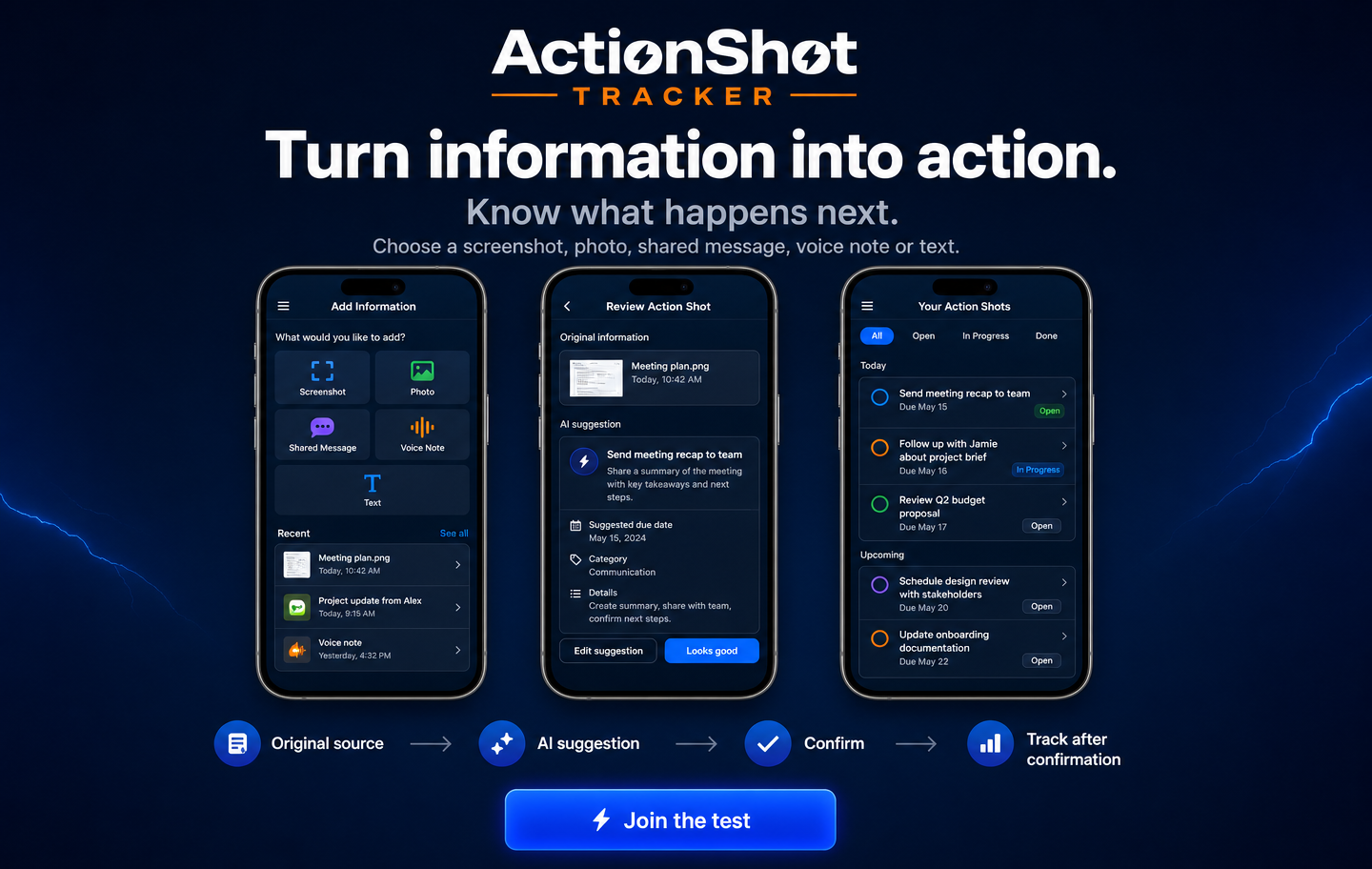
Turn information into action.

Know what happens next. ActionShot Tracker turns screenshots, photos, shared messages, voice notes and text into reviewed next actions while keeping the original source connected.

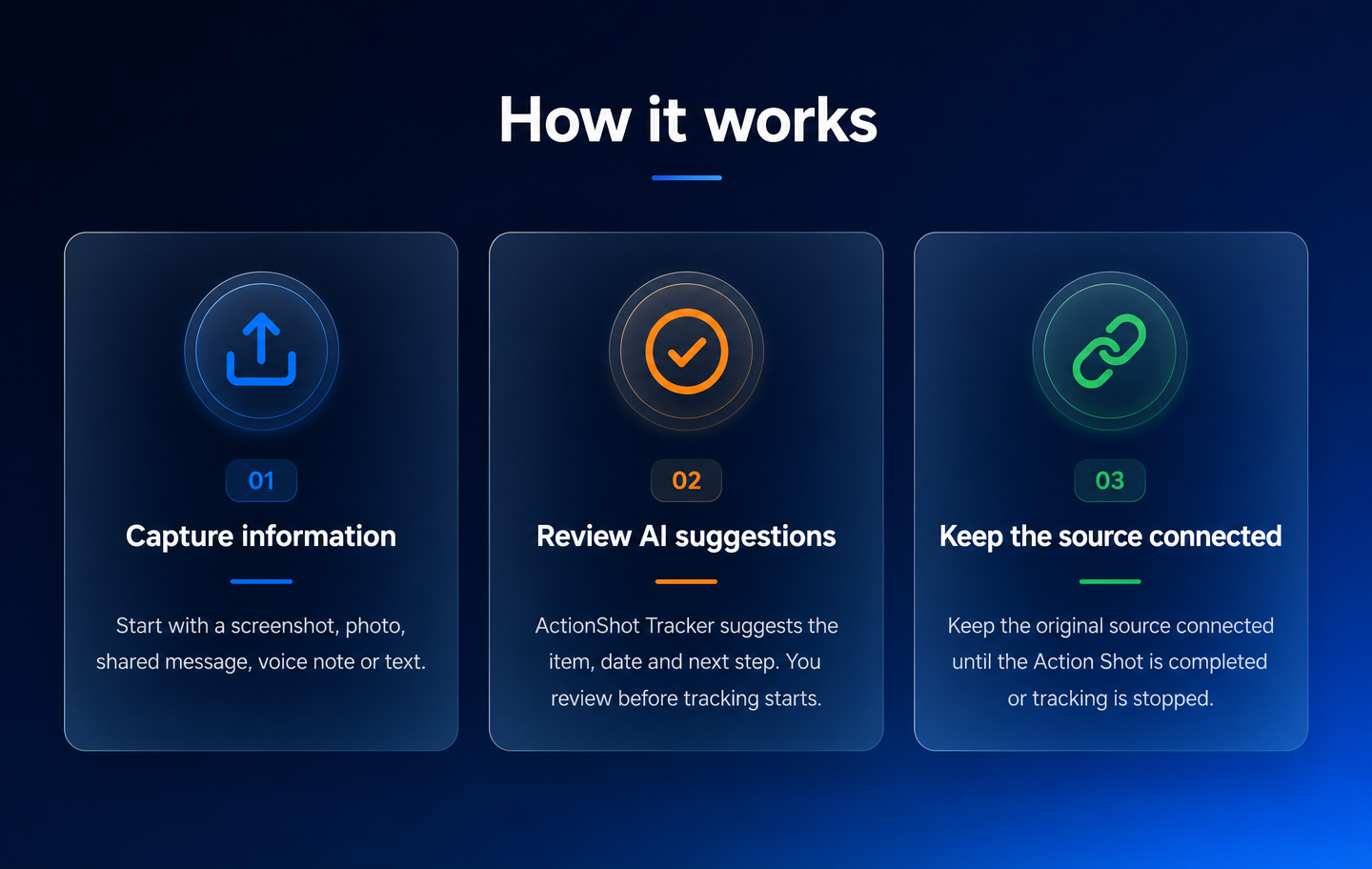
How it works

  1. Capture information.
  2. Review AI suggestions.
  3. Keep the source connected.
ActionShot Tracker — Turn information into action.
How ActionShot Tracker works

Inside the app

From information toa clear next step.

Real screens from the current Android test build.
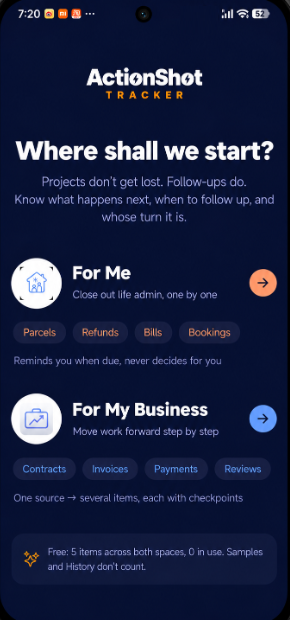
Choose For Me or For My Business in ActionShot Tracker
01

Choose your space

Keep personal follow-ups and work follow-ups clear from the start.
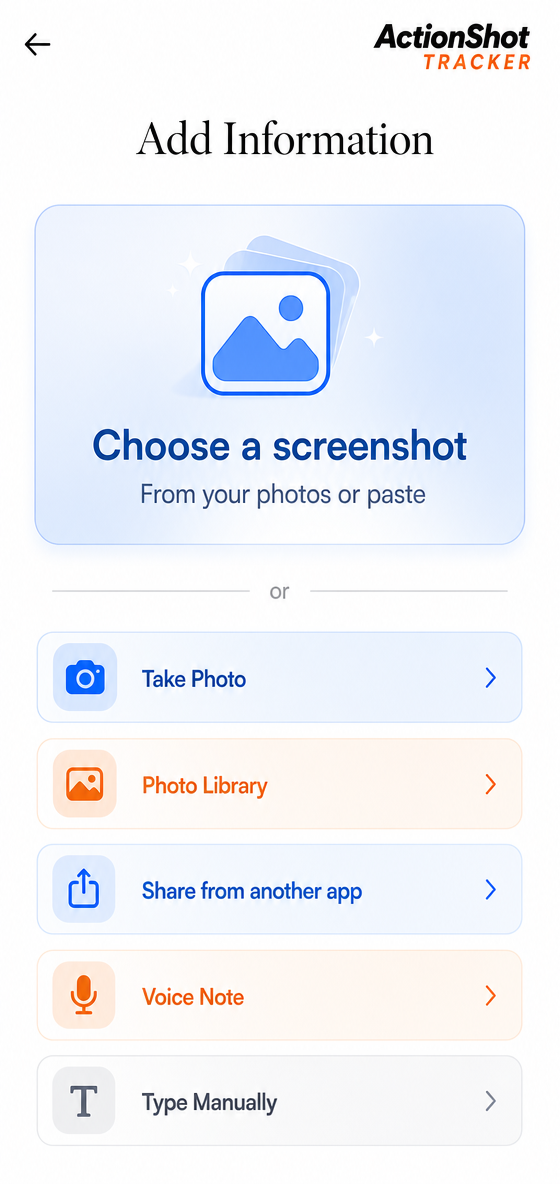
Add information by screenshot, photo, share, voice note or manual entry
02

Add the source

Start with information you already have instead of rebuilding it as a task.
ActionShot Tracker pre-launch testing

When life and work are moving at once

See what ActionShot Tracker can help you follow through.

Appointments, bills, orders, deliveries, contracts—and the many small things in between. These are just a few examples.
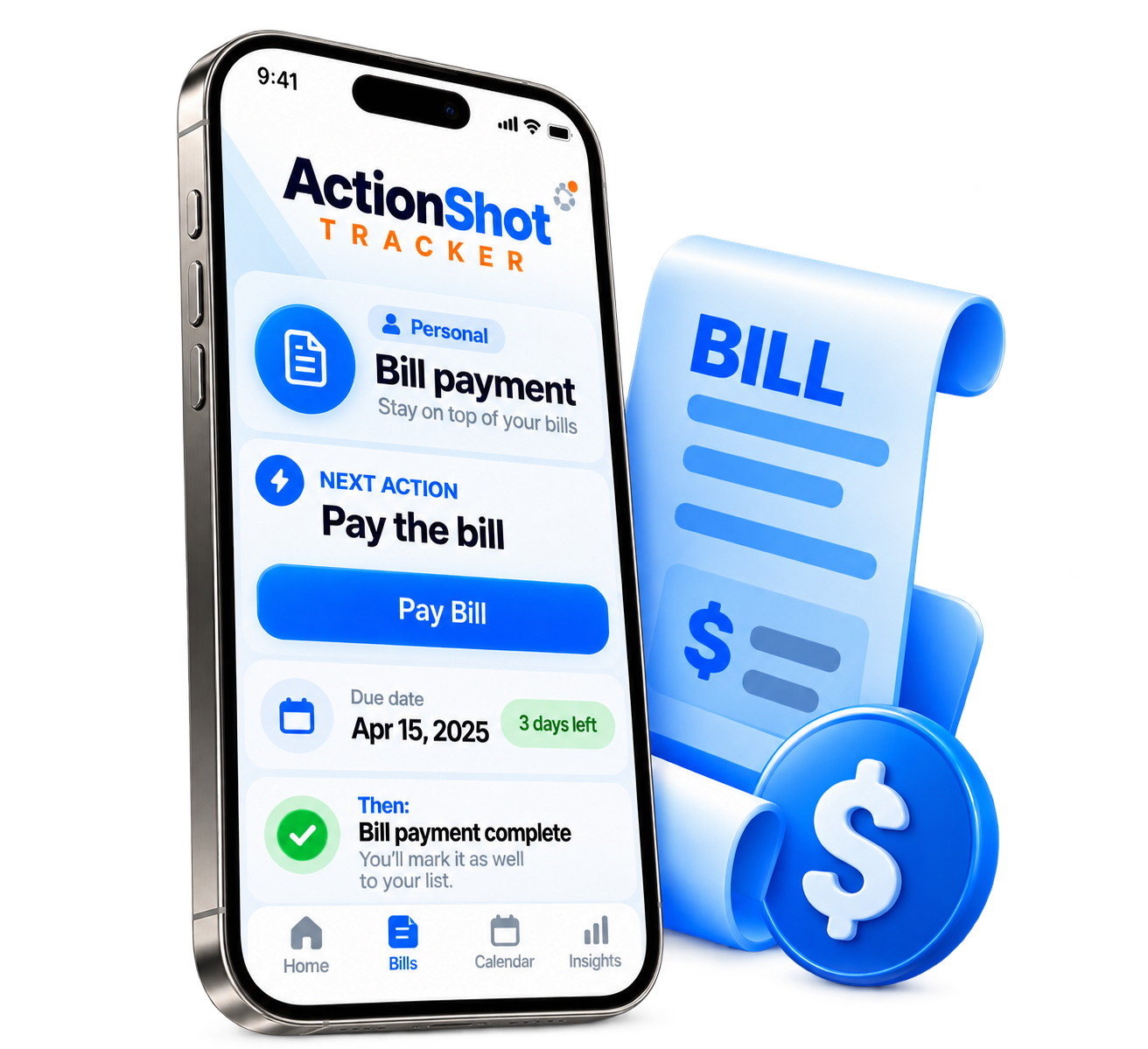
Bill payment ActionShot Tracker scenario
Personal

Bill payment

Know what is due—and when you are done.

Keep the bill and the next step together, so payment day does not have to live in your head.
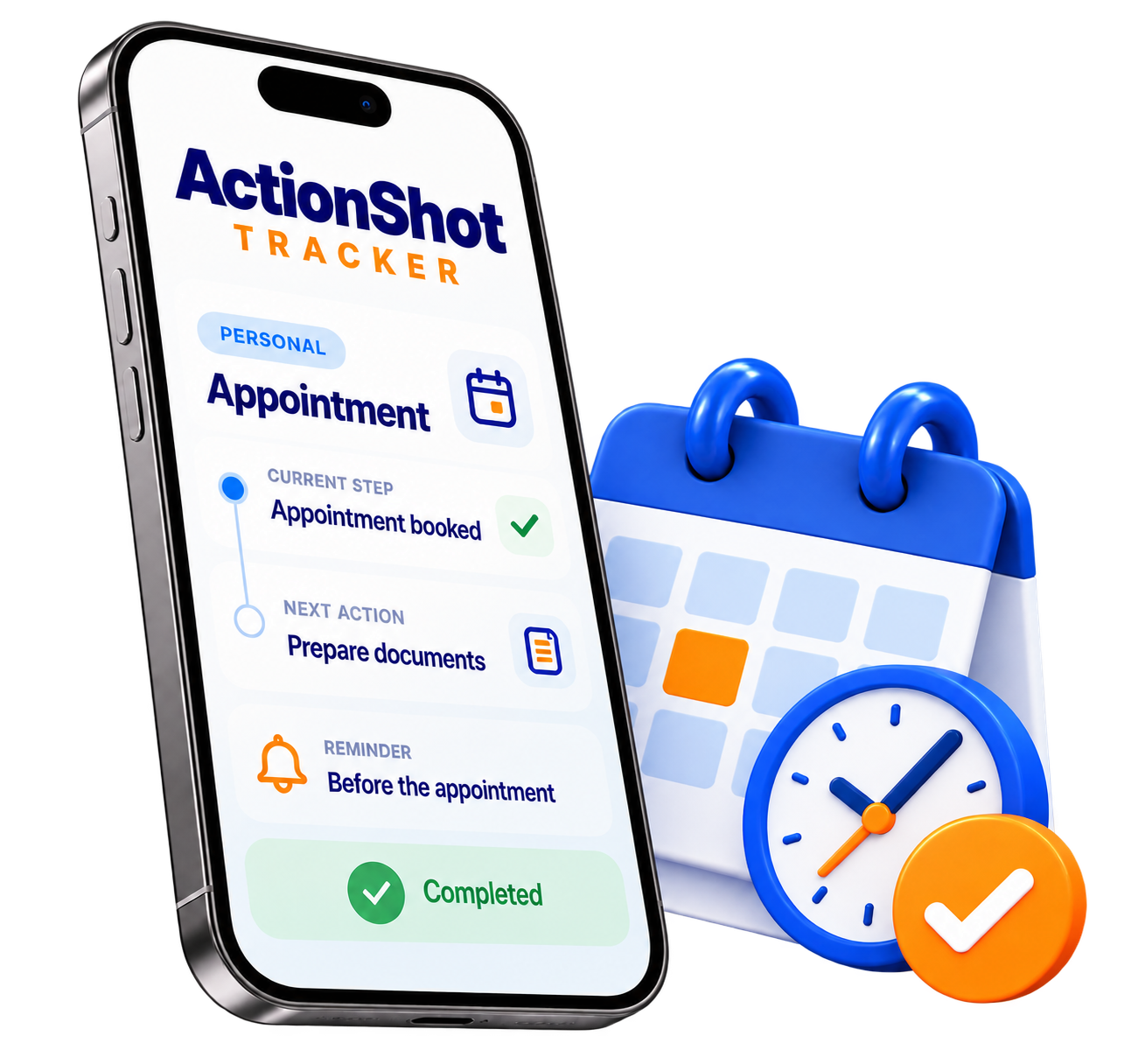
Appointment ActionShot Tracker scenario
Personal

Appointment

Be ready when the time comes.

Keep the confirmation, what to prepare, and the reminder in one place.
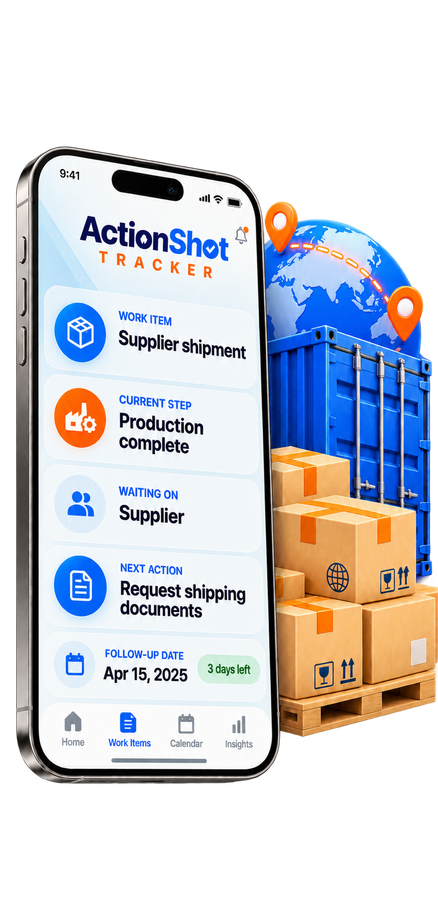
Order and delivery follow-up in ActionShot Tracker
Business

Order & delivery follow-up

See what is moving—and what is waiting.

Know where the order stands, who you are waiting on, and the next message to send.
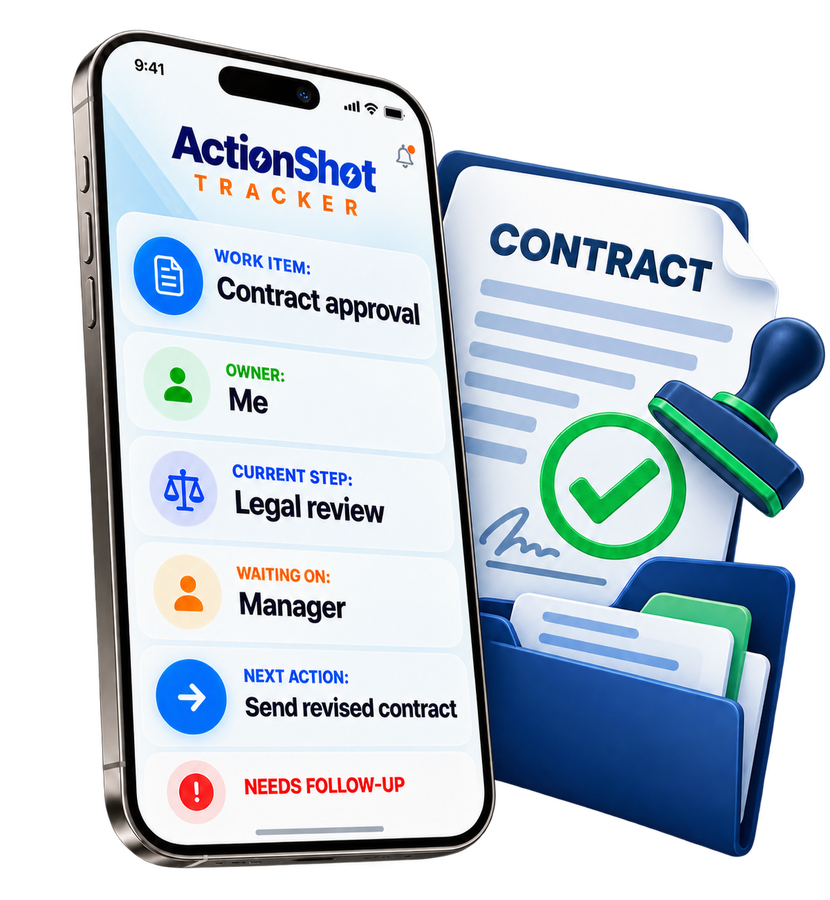
Contract follow-through in ActionShot Tracker
Business

Contract follow-through

Keep every obligation moving forward.

Keep signing, delivery, payment, renewal, and the next follow-up from going quiet.
Join the test
About ActionShot Tracker
ActionShot Tracker support