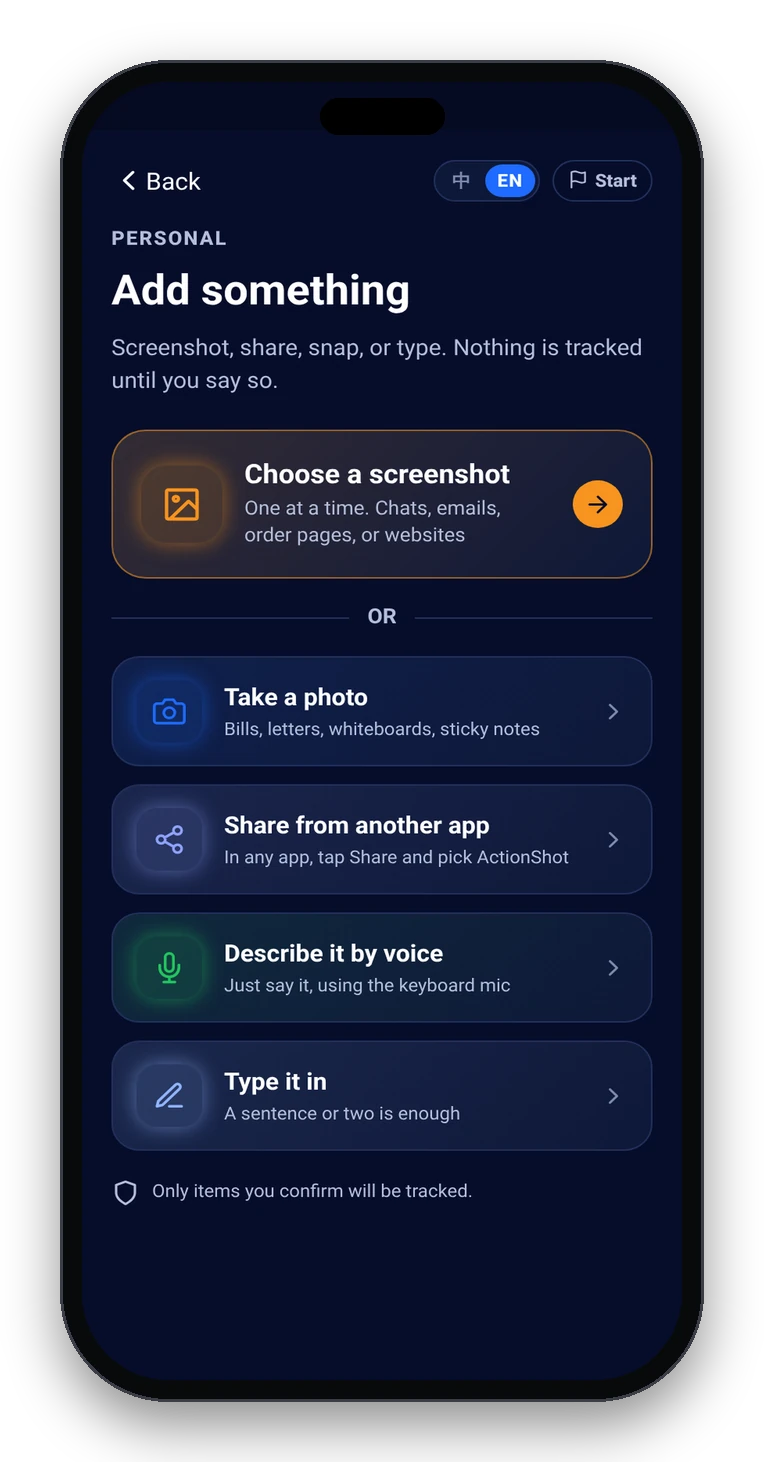
Add the screenshot (or photo, share, type, or keyboard mic).
You choose what to add — it does not scan your whole library or message history.
Screenshot reminder app
A typical screenshot reminder app shows you the image again later. That helps you find it — but you still have to figure out the next step, who you're waiting on, and whether it's done.
ActionShot Tracker starts from the screenshot you already have, suggests a next step and date with on-device text recognition, waits for your confirm before anything is tracked, and follows up — including waiting-on-them check-ins and a gone-quiet nudge — until you mark it done.
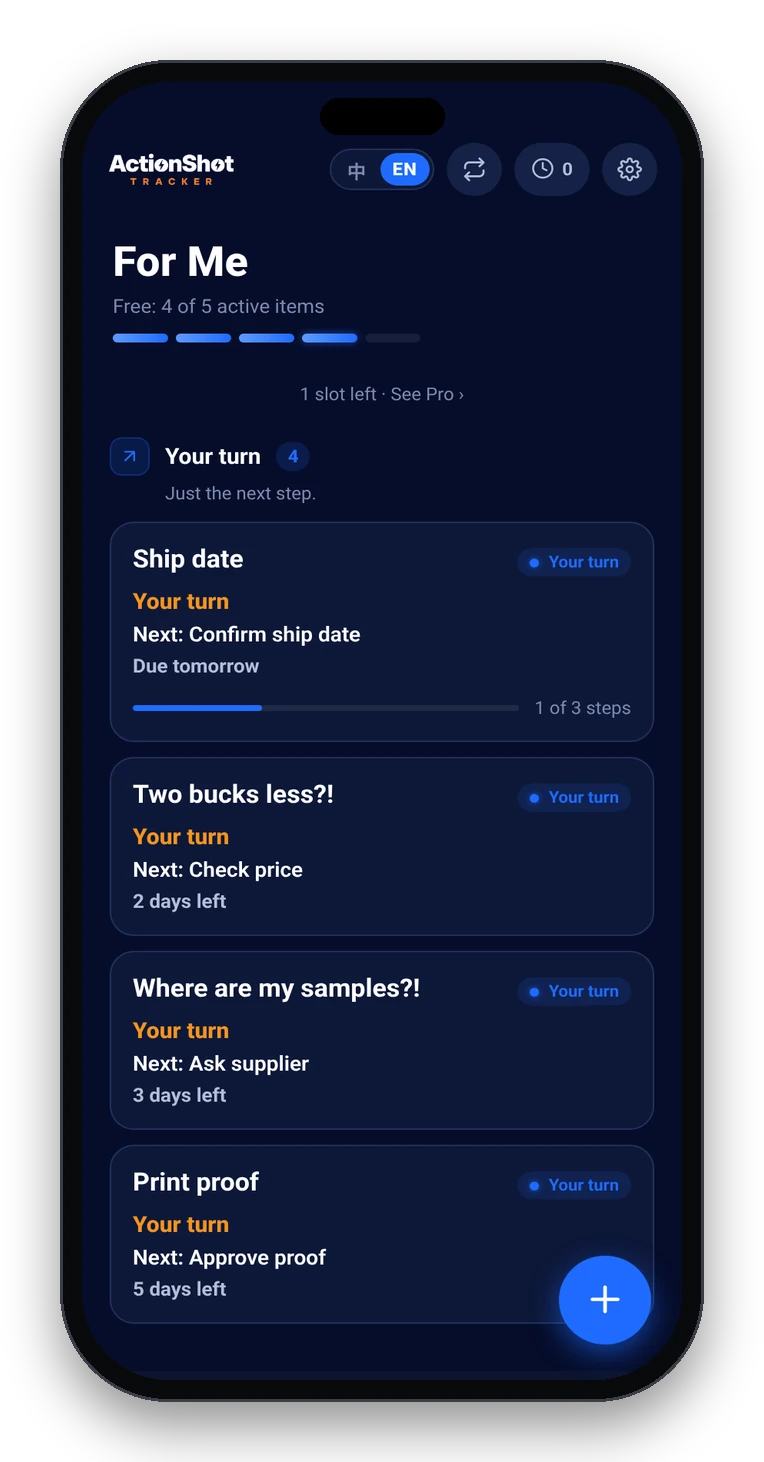
You choose what to add — it does not scan your whole library or message history.
On-device text recognition proposes a next step, date and whose turn it is. Nothing is tracked until you confirm or edit.
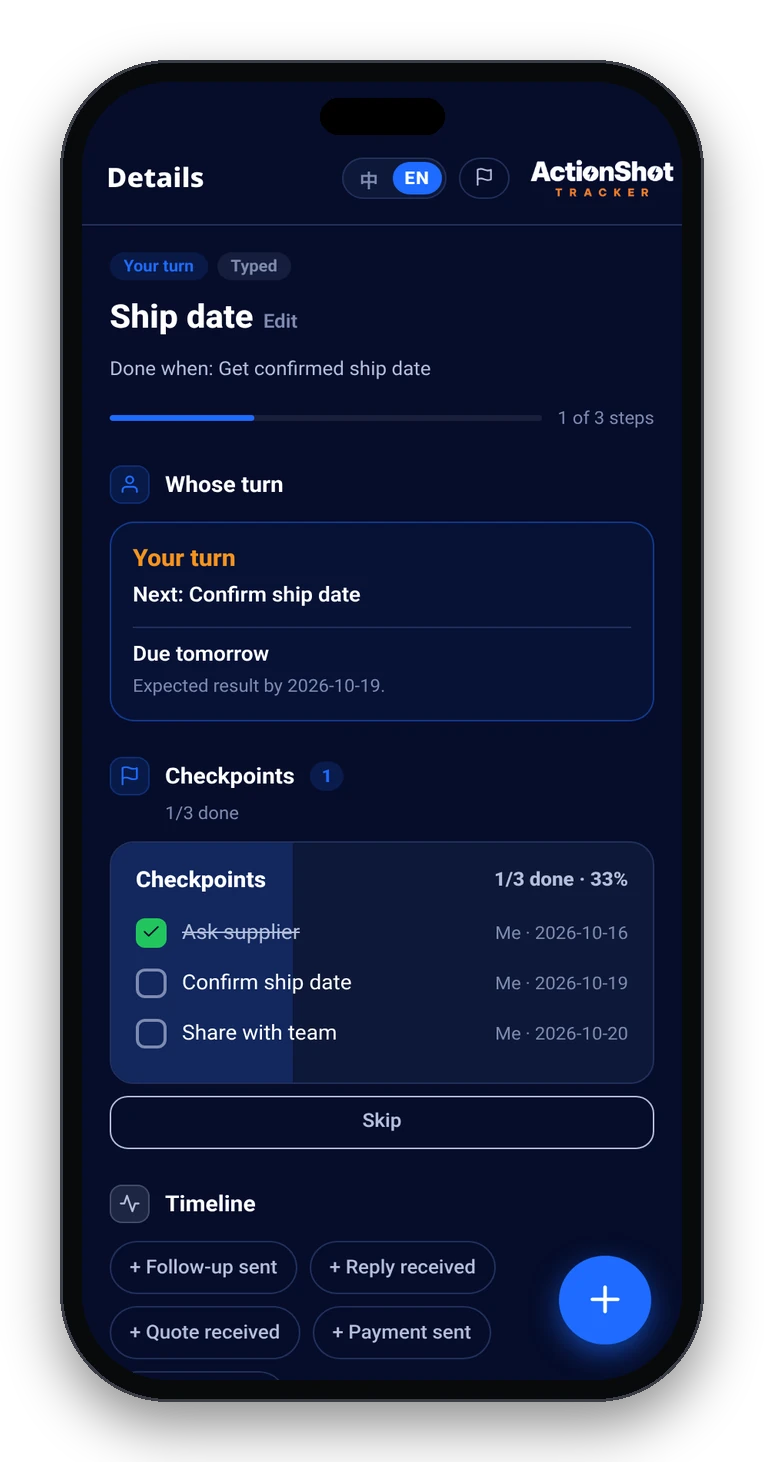
Reminders for your turn; check-ins while you're waiting on them; a gone-quiet nudge when it goes quiet. Only you decide when it's done.
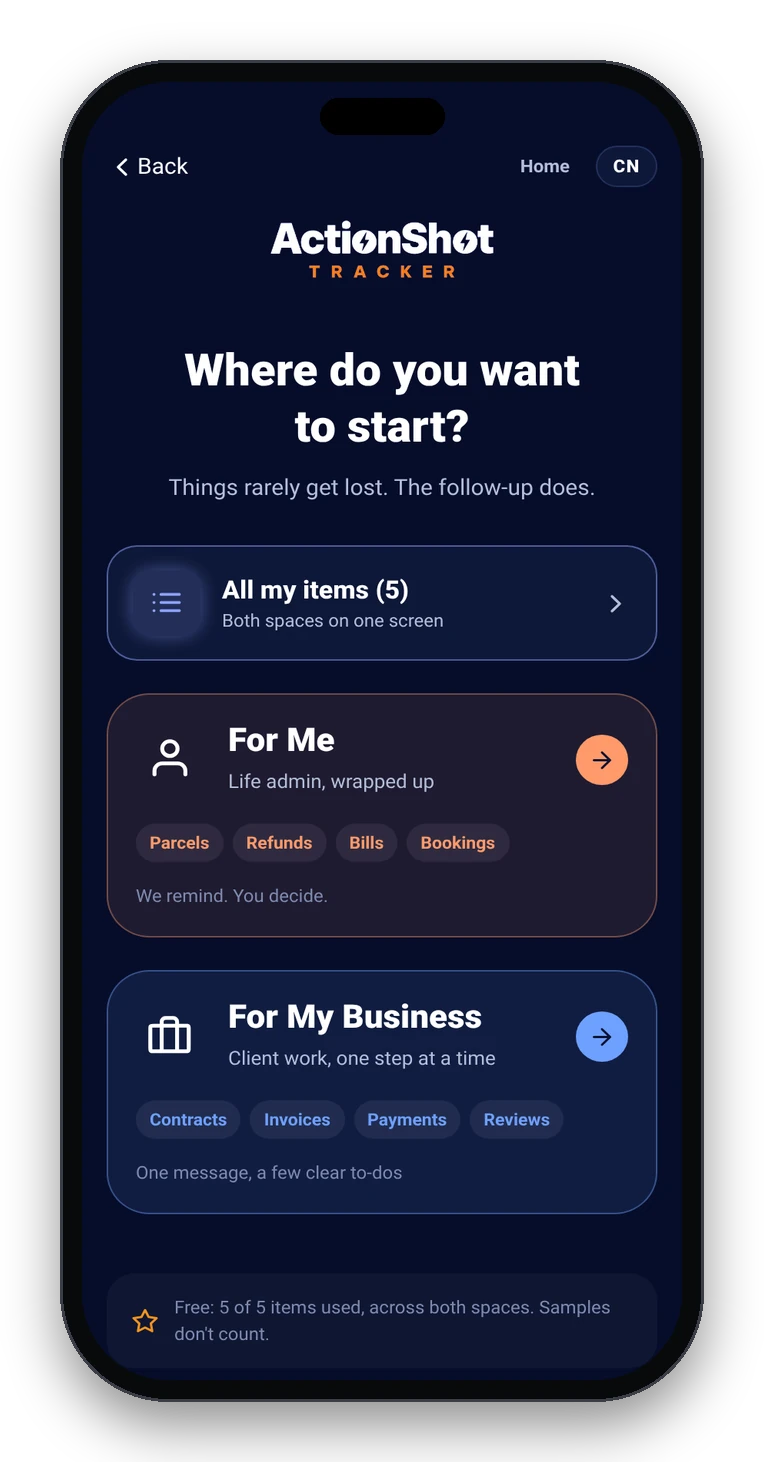
Yes — and it goes past resurfacing the image. It suggests a next step and date from what you add, you confirm before tracking starts, and it follows up until you mark it done.
No. You can also add a photo, share from another app, type, or use the keyboard mic. Screenshots are the most common starting point.
No. It only processes what you choose to add. Nothing is tracked until you confirm.
A to-do app asks you to retype the task. ActionShot Tracker starts from the source you already have, keeps it attached, and tracks whose turn it is.
Not yet. ActionShot Tracker is in pre-launch testing and is not yet available in app stores.