Free trial & subscription reminder

Cancel free trials before they auto-charge

You started a free trial, screenshot the confirmation email, and meant to cancel before it converted. The cancel-by date sat in Photos between memes. The first you hear is the charge — sometimes for a full year.

ActionShot Tracker starts from that screenshot: on-device text recognition suggests a next step and cancel-by date, you confirm before anything is tracked, get reminded with a buffer, and clear the item when you've cancelled — or kept the plan on purpose.

Coming soon to the App StoreJoin the testActionShot Tracker is in pre-launch testing and not yet available in app stores.
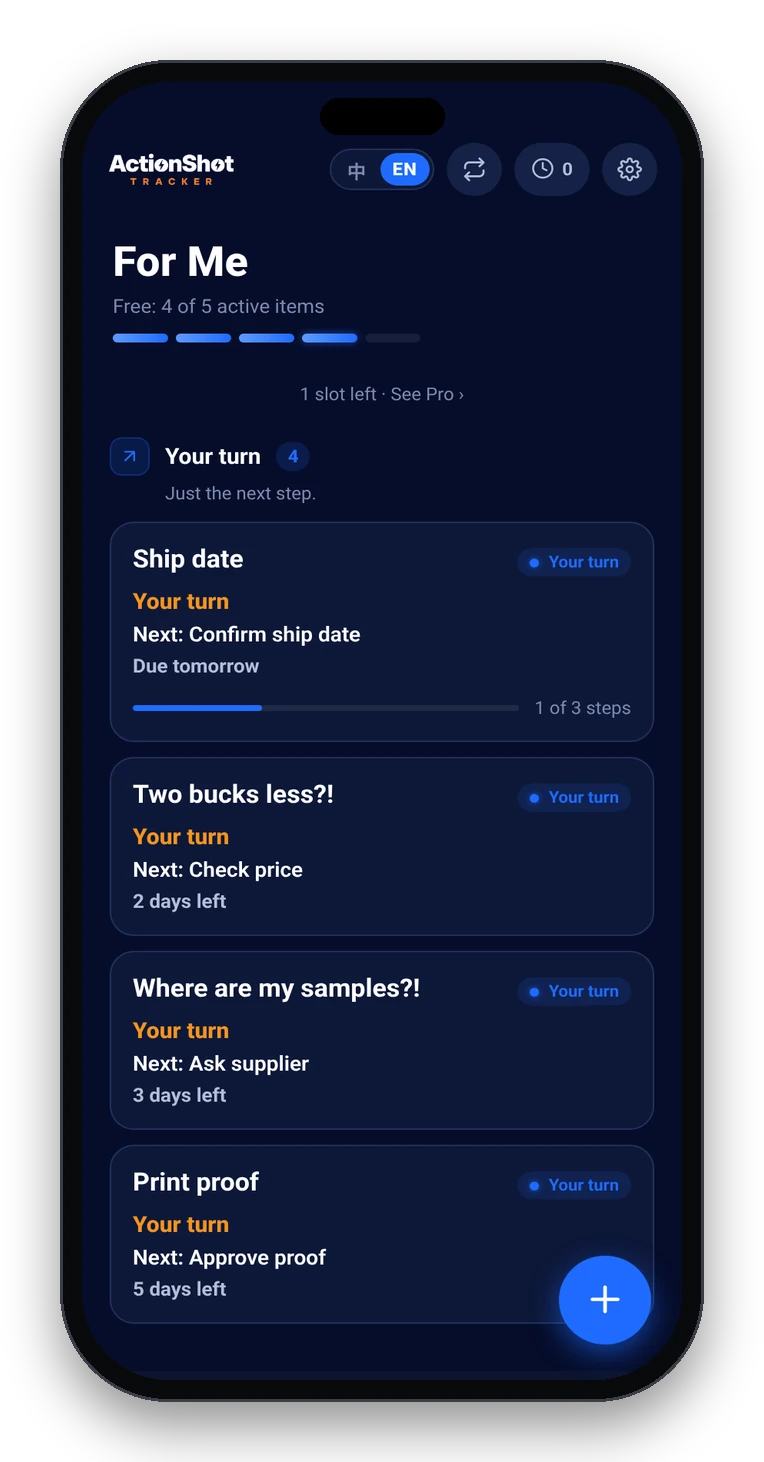
ActionShot Tracker home with follow-ups sorted by Your turn, Waiting on them, and Gone quiet

Why free-trial and renewal dates slip

How it works in 3 steps

01

Screenshot the trial or subscription confirmation.

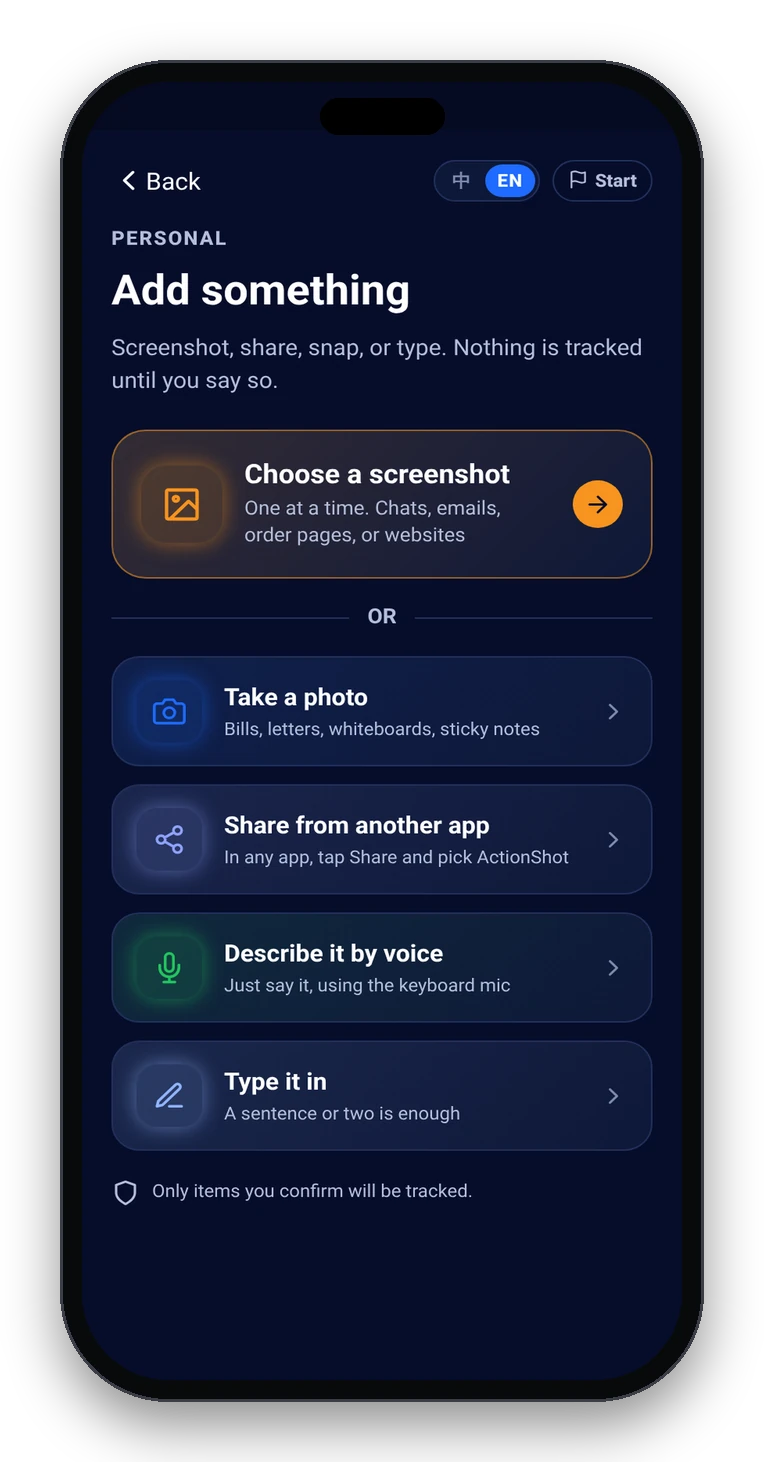
Capture the signup screen, confirmation email, or App Store / Play subscription detail — plan name, price, and the date it converts or renews. You choose what to add; the app does not scan your whole library.

Add something: screenshot, photo, share from another app, keyboard mic, or type
02

Confirm the cancel-by date and next step.

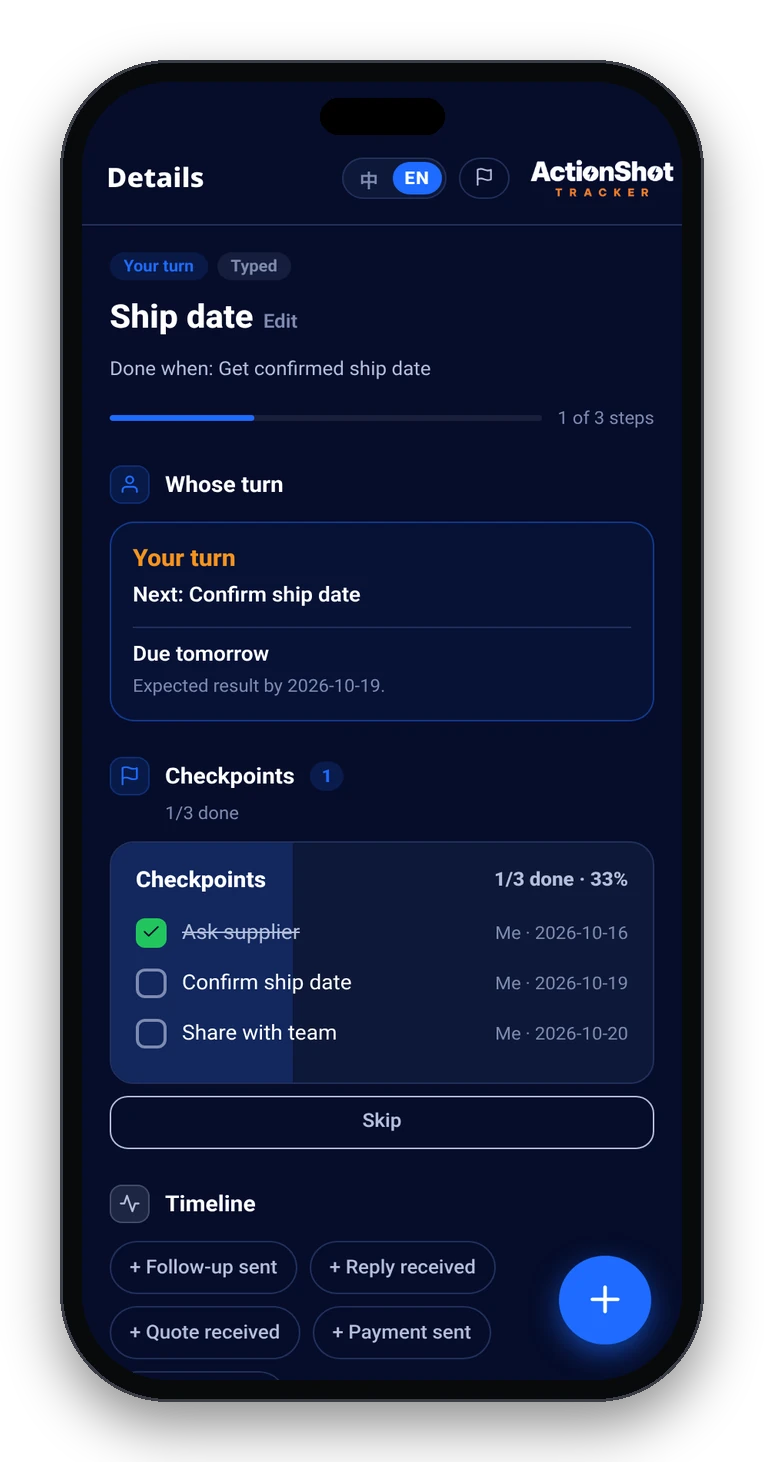
On-device text recognition proposes what it found. Edit if needed, then confirm. Nothing is tracked until you do. A good habit: set the due date one or two days before the charge, not on the charge day.

Item detail with next step, date, whose turn, and the original source attached
03

Get reminded, then mark it done.

When the reminder fires, cancel in the store or account settings — or keep the plan on purpose. Mark the item done. The original screenshot stays attached if you ever need proof of the terms.

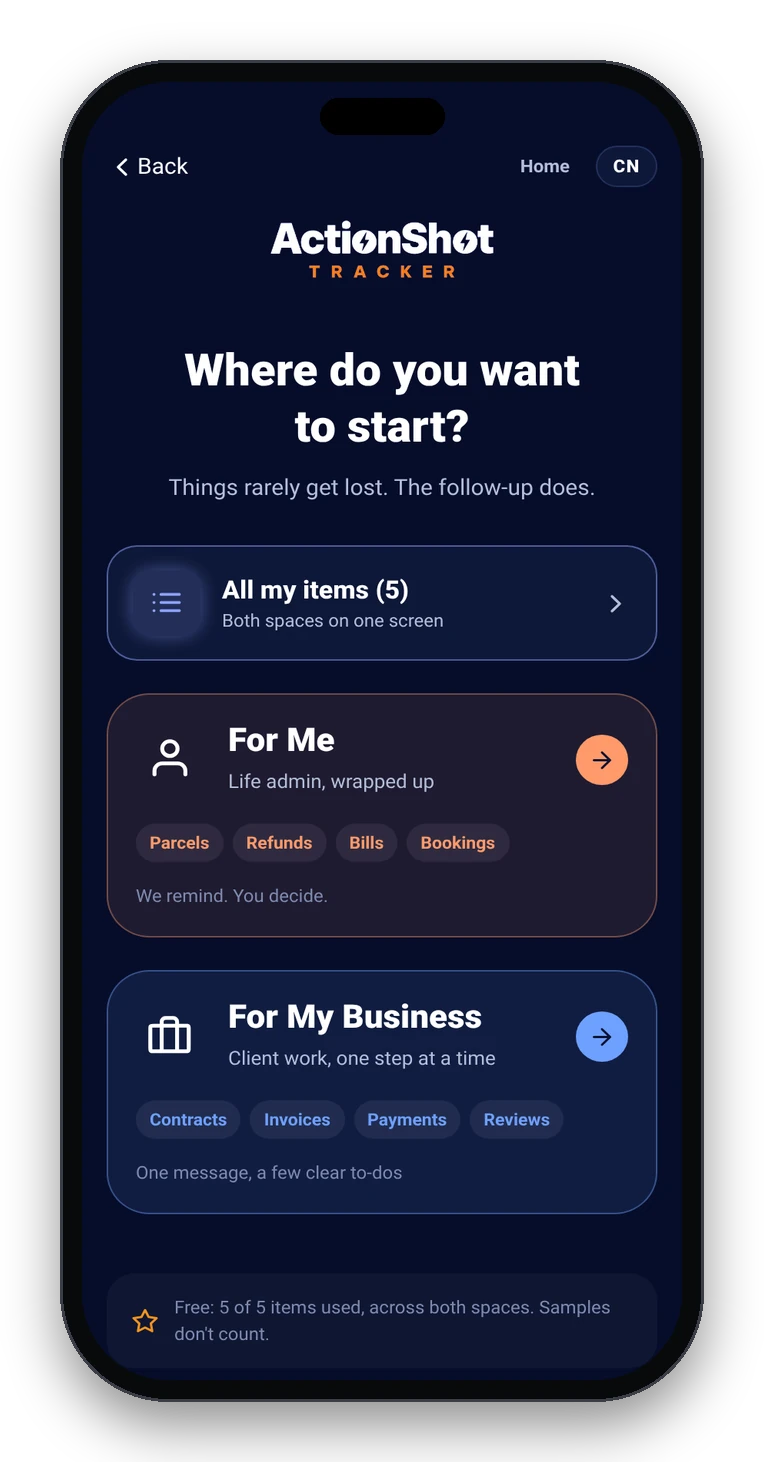
Where do you want to start: All my items, For Me, or For My Business

How this differs from calendars and other reminder apps

A fair comparison by approach — not a review of any named product. Many apps differ; check each one yourself.

A simple checklist at signup

What this is (and isn't)

FAQ

Can ActionShot Tracker cancel my free trial or subscription for me?

No. It does not connect to the App Store, Google Play, or any billing system. It keeps the confirmation screenshot, the cancel-by date and the next step together and reminds you so you can cancel (or keep) on purpose.

When should I set the reminder relative to the trial end?

Give yourself a buffer. A common rule is one to two days before the trial converts, not on the exact charge day — cancellation flows can take a few steps, and some services process charges early.

Do I have to retype the trial end date?

Usually not. Start from a screenshot or photo of the signup or confirmation screen. On-device text recognition suggests a date and next step; you review and confirm before anything is tracked.

How is this different from a calendar reminder or a pure deadline app?

A calendar event is easy to dismiss and rarely keeps the confirmation attached. Dedicated money-deadline apps are strong when you type every trial in by hand. ActionShot Tracker starts from the screenshot you already took, keeps that source on the item, and follows up until you mark it done.

Is ActionShot Tracker available now?

Not yet. ActionShot Tracker is in pre-launch testing and is not yet available in app stores.

Ready when the app is.

Coming soon to the App StoreJoin the testActionShot Tracker is in pre-launch testing and not yet available in app stores.